
JavaScript stands as a versatile programming language that empowers developers to interact with an array of data types.
One crucial aspect of JavaScript is type conversions, which involve converting data from one type to another. Understanding type conversions is essential for writing robust and error-free code.
In this article, we will delve into JavaScript type conversions, exploring implicit and explicit conversions and best practices for handling them professionally.
What is JavaScript Type Conversion?
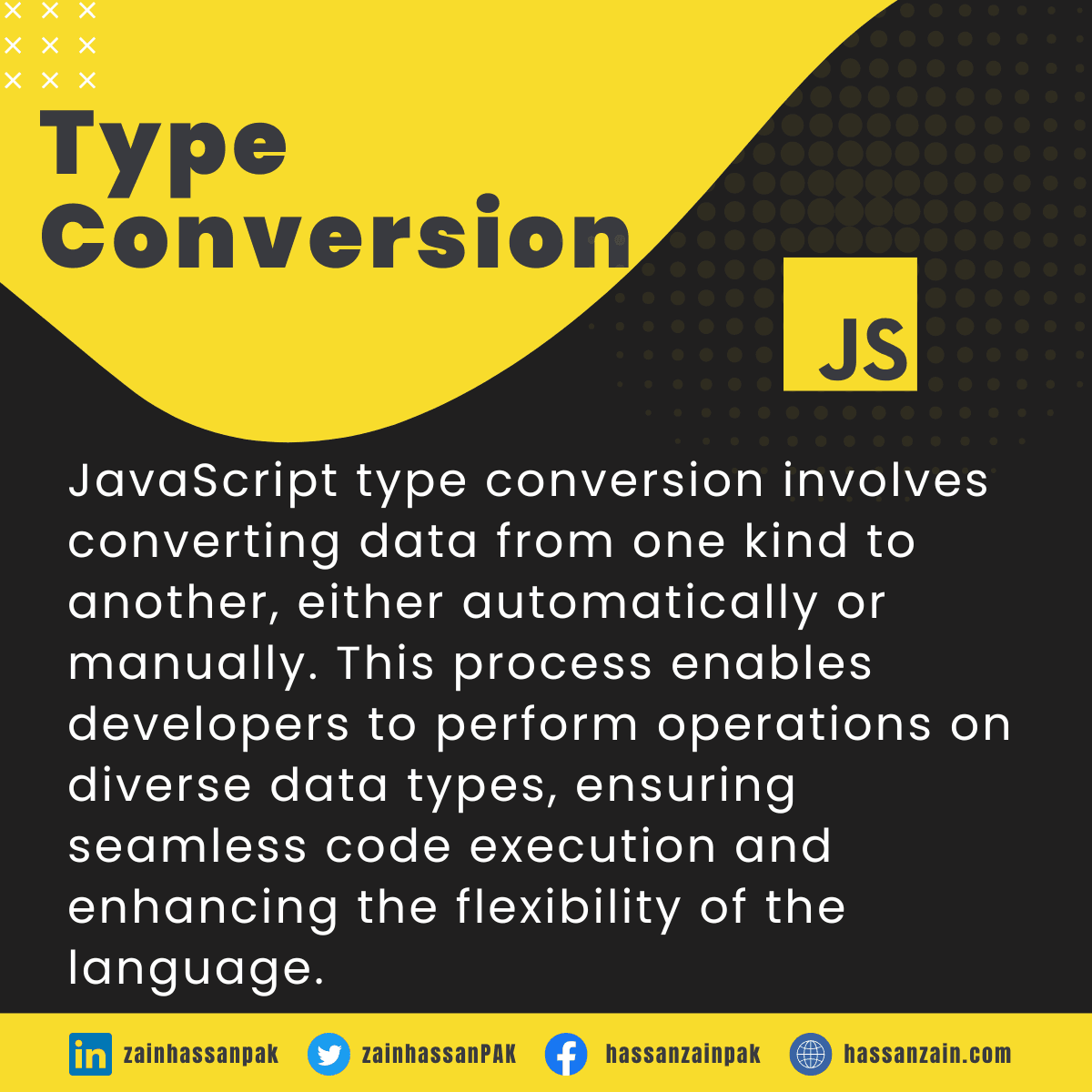
JavaScript type conversion involves transforming data from one kind to another, either implicitly done by the language or explicitly performed by the developer.
It enables smooth execution and compatibility when working with different data types in expressions or operations.
Implicit Type Conversions:
Implicit type conversions, often referred to as “coercion,” occur in JavaScript when data types are automatically converted to another type without requiring explicit instructions from the developer.
This process is often performed to ensure smooth execution and compatibility between different data types in expressions or operations.
Explicit Type Conversions:
Unlike implicit conversions, explicit type conversions are intentional and carried out by the developer using built-in functions or techniques.
These conversions are useful when you need to convert data from one type to another explicitly.
Converting Strings to Numbers:
In JavaScript, transforming strings into numbers necessitates an explicit type conversion, where developers purposefully change string data into numerical values, enabling arithmetic operations and other numeric manipulations.
Within the section dedicated to Number Methods, you’ll discover additional techniques that facilitate the conversion of strings into numerical values effectively.
| Method | Description |
| number() | In JavaScript, the “Number()” function is employed to convert strings into numerical values. |
| parseFloat() | The JavaScript function “parseFloat()” converts strings into floating-point numbers. |
| parseInt() | “parseInt()” is a built-in JavaScript function used for converting strings to numbers. |
let numStr1 = "42";
let numStr2 = "30";
let result = Number(numStr1) + Number(numStr2);

console.log(result); // Output: 72 (42 + 30)
Converting Numbers to Strings:
Converting Numbers to Strings in JavaScript involves an explicit type conversion where numerical data is transformed into string data using functions like toString() or String().
Within the section dedicated to Number Methods, additional techniques are presented to facilitate the conversion of numbers into strings.
| Method | Description |
| toExponential() | “toExponential()” is a method used in JavaScript to convert numbers to strings in exponential notation. |
| toFixed() | “toFixed()” is a JavaScript method used for converting numbers to strings while specifying decimal precision. |
| toPrecision() | “toPrecision()” is a method used for converting numbers to strings with a specified precision in JavaScript |
let number = 123.456;
let numberString = number.toString();
console.log(typeof numberString); // Output: "string"
Converting Dates to Numbers:
Converting Dates to Numbers in JavaScript involves a type conversion where date objects are converted into numerical representations, typically in milliseconds since January 1, 1970 (Unix Epoch).
This allows for easier date calculations and comparisons. JavaScript provides the .getTime() method to achieve this conversion.
const date = new Date("2023-07-27");
const dateInMilliseconds = date.getTime();

const numberToAdd = 1000;
const result = dateInMilliseconds + numberToAdd;

console.log(result); // Output will be the sum of the date in milliseconds and 'numberToAdd'
Converting Dates to Strings:
Converting Dates to Strings in JavaScript is an example of explicit type conversion. Developers can use methods like toString(), toLocaleString(), or libraries like moment.js to convert Date objects into human-readable string representations.
This allows for easy display, manipulation, or storage of dates in various formats.
The chapter on Date Methods offers additional techniques to convert dates into strings, providing a range of methods specifically designed for this purpose.
| Method | Description |
| getDate() | “getDate()” is a method used for converting dates to strings in JavaScript. |
| getDay() | In JavaScript, “getDay()” is a method that converts dates to strings denoting the corresponding days of the week. |
| getFullYear() | “getFullYear()” in Converting Dates to Strings in JavaScript is a method that retrieves the year. |
| getHours() | “getHours()” is a method used in JavaScript to convert dates to strings, specifically to retrieve the hour component. |
| getMilliseconds() | “getMilliseconds()” is a method used in JavaScript to extract milliseconds from a Date object. |
| getMinutes() | In JavaScript, “getMinutes()” is a date method that retrieves the minutes when converting dates to strings. |
| getMonth(): | “getMonth()” in JavaScript converts dates to strings for month representation (e.g., 0 for January, 11 for December). |
| getSeconds() | “getSeconds()” is a method used for converting dates to strings in JavaScript for extracting the seconds component. |
| getTime() | “getTime()” is a method used to convert dates to strings in JavaScript for type conversions. |
const currentDate = new Date();
const dateString = "Today is " + currentDate;
console.log(dateString); // Output: Today is Sun Jul 27 2023 12:34:56 GMT+0000 (Coordinated Universal Time)
Converting Booleans to Numbers:
In JavaScript, converting Booleans to Numbers entails transforming boolean values into their respective numeric equivalents (1 for true, 0 for false).
This process is essential when performing mathematical operations or comparisons where boolean values need to be treated as numeric values.
let boolValue1 = true;
let boolValue2 = false;

let numValue1 = boolValue1 + 0; // Coadding 'boolValue1' with 0 to convert to a number
let numValue2 = boolValue2 + 0; // Coadding 'boolValue2' with 0 to convert to a number

console.log(numValue1); // Output: 1
console.log(numValue2); // Output: 0
Converting Booleans to Strings:
Converting Booleans to Strings in JavaScript is a type of explicit type conversion. Developers can use the String() function to convert Boolean values to their string representations.
For instance, String(true) would result in the string “true,” and String(false) would yield “false.” This method ensures consistency and clarity in manipulating Boolean values as strings.
The method toString() of the Boolean type accomplishes the identical task.
let isMonday = true;
let message = "Today is " + String(isMonday);
console.log(message); // Output: "Today is true"
JavaScript Type Conversion Table:
The table provides illustrations of how values are converted to String, Number, and Boolean data types in JavaScript.
| Original Value | Converted to Number | Converted to String | Converted to Boolean |
| undefined | NaN | “undefined” | false |
| null | 0 | “null” | false |
| { } | NaN | “[object Object]” | true |
| function(){} | NaN | “function(){}” | true |
| [“ten”,”twenty”] | NaN | “ten,twenty” | true |
| [“twenty”] | NaN | “twenty” | true |
| [10,20] | NaN | “10,20” | true |
| [20] | 20 | “20” | true |
| [ ] | 0 | “” | true |
| “twenty” | NaN | “twenty” | true |
| “20” | 20 | “20” | true |
| “” | 0 | “” | false |
| -Infinity | -Infinity | “-Infinity” | true |
| Infinity | Infinity | “Infinity” | true |
| NaN | NaN | “NaN” | false |
| “1” | 1 | “1” | true |
| “000” | 0 | “000” | true |
| “0” | 0 | “0” | true |
| 1 | 1 | “1” | true |
| 0 | 0 | “0” | false |
| true | 1 | “true” | true |
| false | 0 | “false” | false |
Automatic String Conversion:
Automatic String Conversion in JavaScript is a type conversion process where values of other data types, such as numbers or booleans, are automatically converted to strings when needed.
This occurs implicitly, without the need for explicit instructions from the developer. For example, when concatenating a string with a number, JavaScript automatically converts the number to a string to perform the operation.
let num = 42;
let str = "The answer is: " + num; // Automatic string conversion of 'num'
console.log(str); // Output: "The answer is: 42"
Conclusion:
JavaScript type conversions are a fundamental aspect of JavaScript programming, enabling seamless interactions between different data types.
By understanding both implicit and explicit type conversions and following best practices, developers can write more reliable and maintainable code.
As you progress in your understanding of JavaScript, gaining proficiency in type conversions will undoubtedly enhance your capabilities as a skilled developer.