
Full-site WordPress backup, restore, and migration — shipped by an integration and automation engineer, not a $15/hr ticket shop. The plugin is free on WordPress.org; implementation is a $500–$1,500 package.
Package the database, media, plugins, themes, selected wp-content folders, root files, and optional custom root folders — on demand or on a schedule — then restore through small traceable steps that survive network drops.
Export schemas, row chunks, and separate large-value files so post meta, options, and page-builder data can be restored in smaller, traceable operations.
Every operation runs in small AJAX steps, and each step retries automatically with backoff after network drops or gateway timeouts. A Resume button continues a saved job after a hard failure — one dropped request no longer strands a restore.
Upload backups through the browser in resumable chunks — assembly is size-verified and survives interrupted requests — or place .zip and .zhbackup archives on the server and restore them from the incoming-backups table.
Update URLs safely across serialized PHP data, JSON-escaped URLs, Elementor widget data, options, and post meta. Runs as a chunked, resumable job with a dry-run preview that counts changes before anything is written.
Automatic daily or weekly full-site backups via WP-Cron, processed in resumable background bursts. The last run's status is shown in Settings, and the retention policy prunes old scheduled backups automatically.
Back up the database, uploads, plugins, themes, mu-plugins, selected wp-content folders, root files, and optional first-level folders from the WordPress root — with a manifest written into every archive.
Incomplete backups are flagged and blocked from restore, uploaded archives are protected from retention deletion, multisite/single-site mismatches are refused with a clear message, and atomic locks prevent overlapping job steps.
Review the restored site first, then run a saved cleanup plan manually to remove stale plugins, uploads, themes, and selected root-folder files. Leftover staging folders from an interrupted restore are swept automatically.
Seven focused admin screens cover backup creation, stored backup management, import, migration, cleanup, server checks, scheduling, retention, and optional updates.
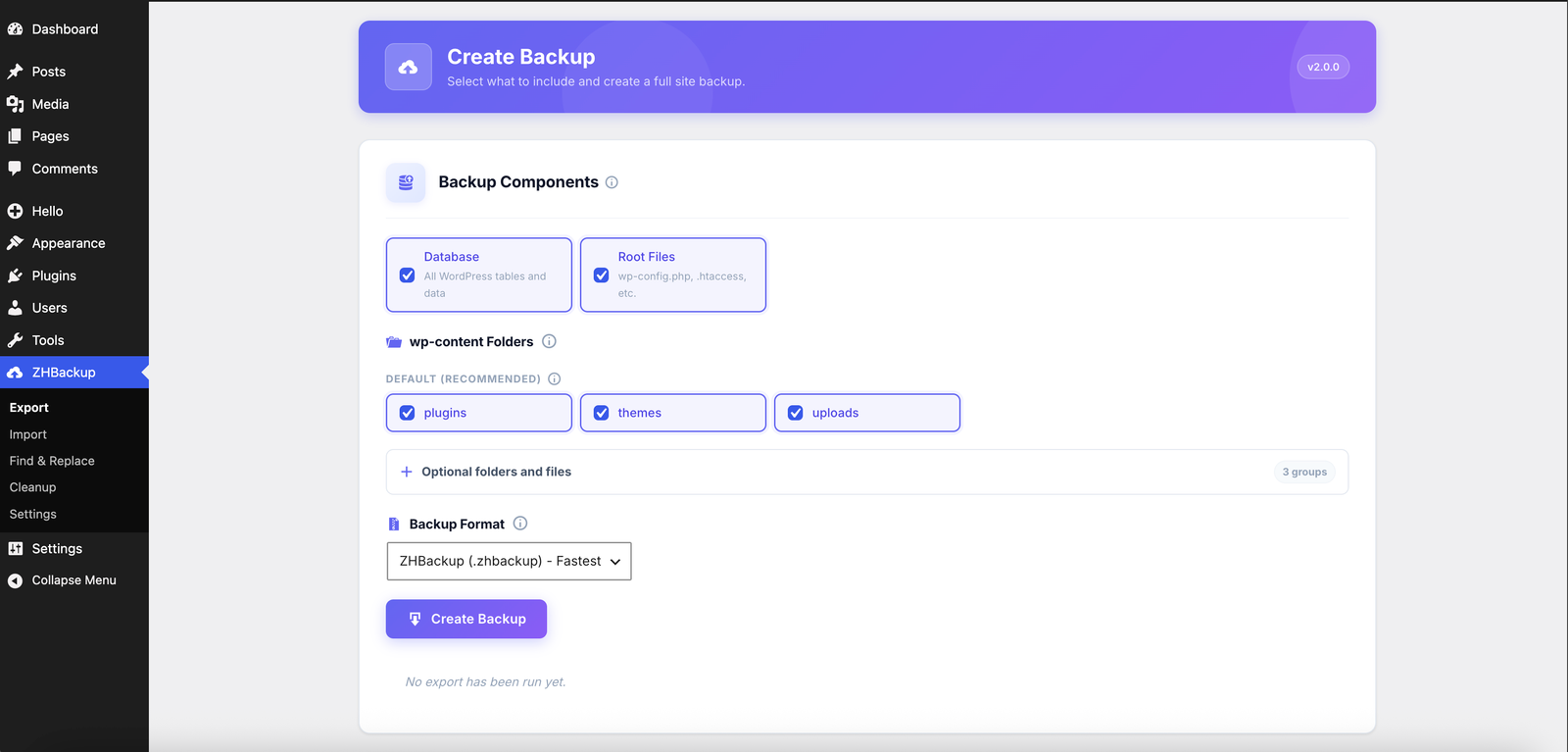
Choose the database, root files, default wp-content folders, optional folder groups, and the archive format before starting a full-site backup. Version, info icons, and grouped options keep the export screen compact.
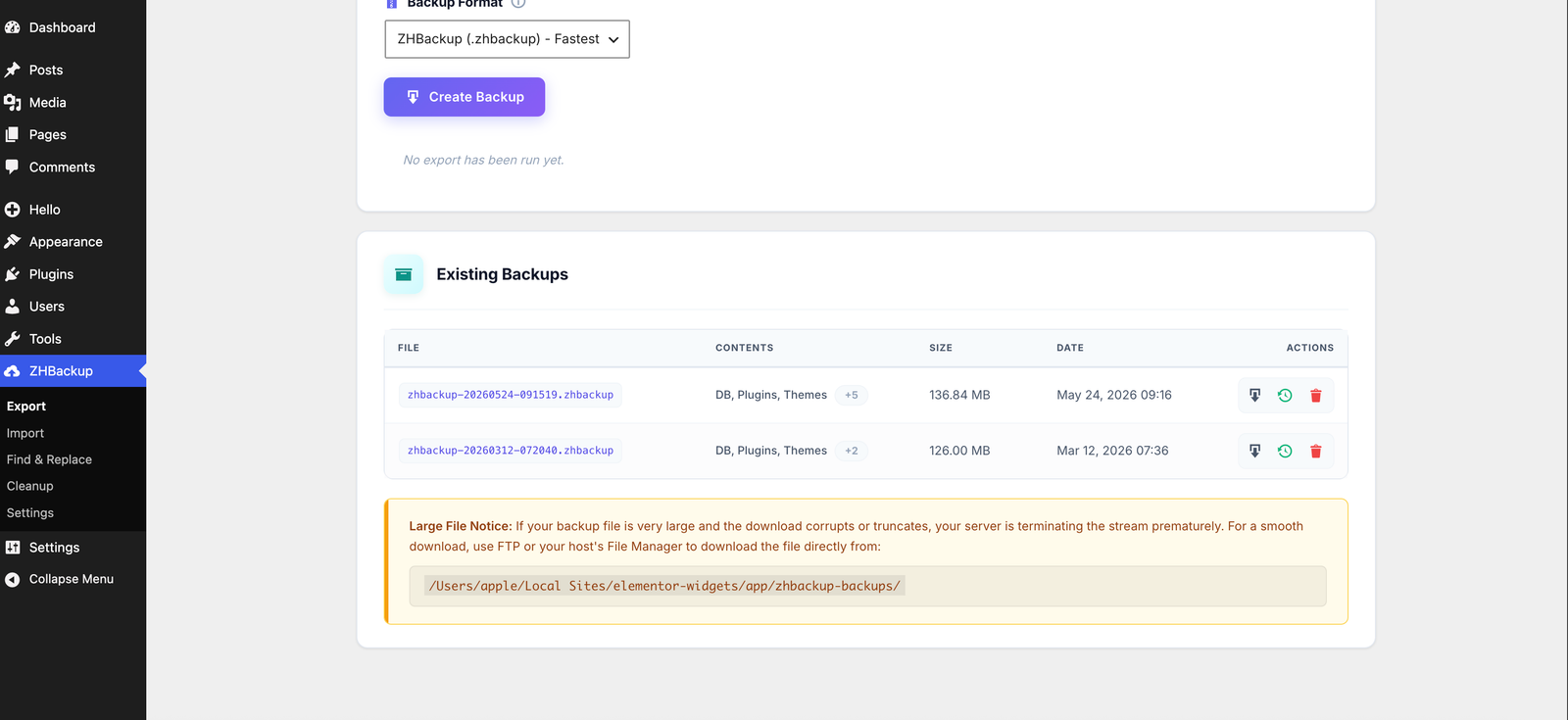
Review backup files in a clear table with contents, size, date, and quick actions for download, restore, or delete. Large-file guidance shows the server path for safer direct downloads when needed.
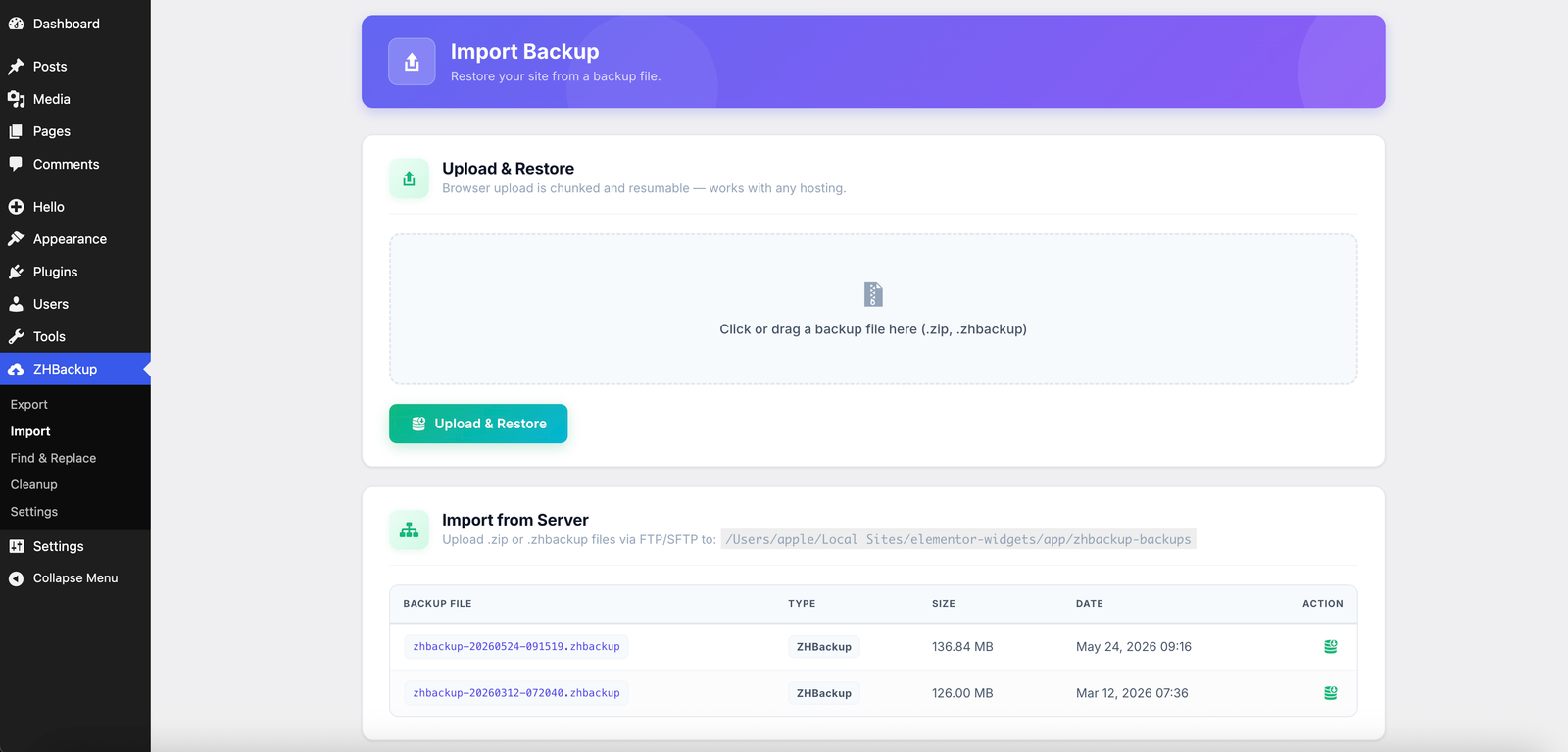
Drag a .zip or .zhbackup file into the chunked browser uploader, or place backups in the server storage directory and restore them from the server import table.
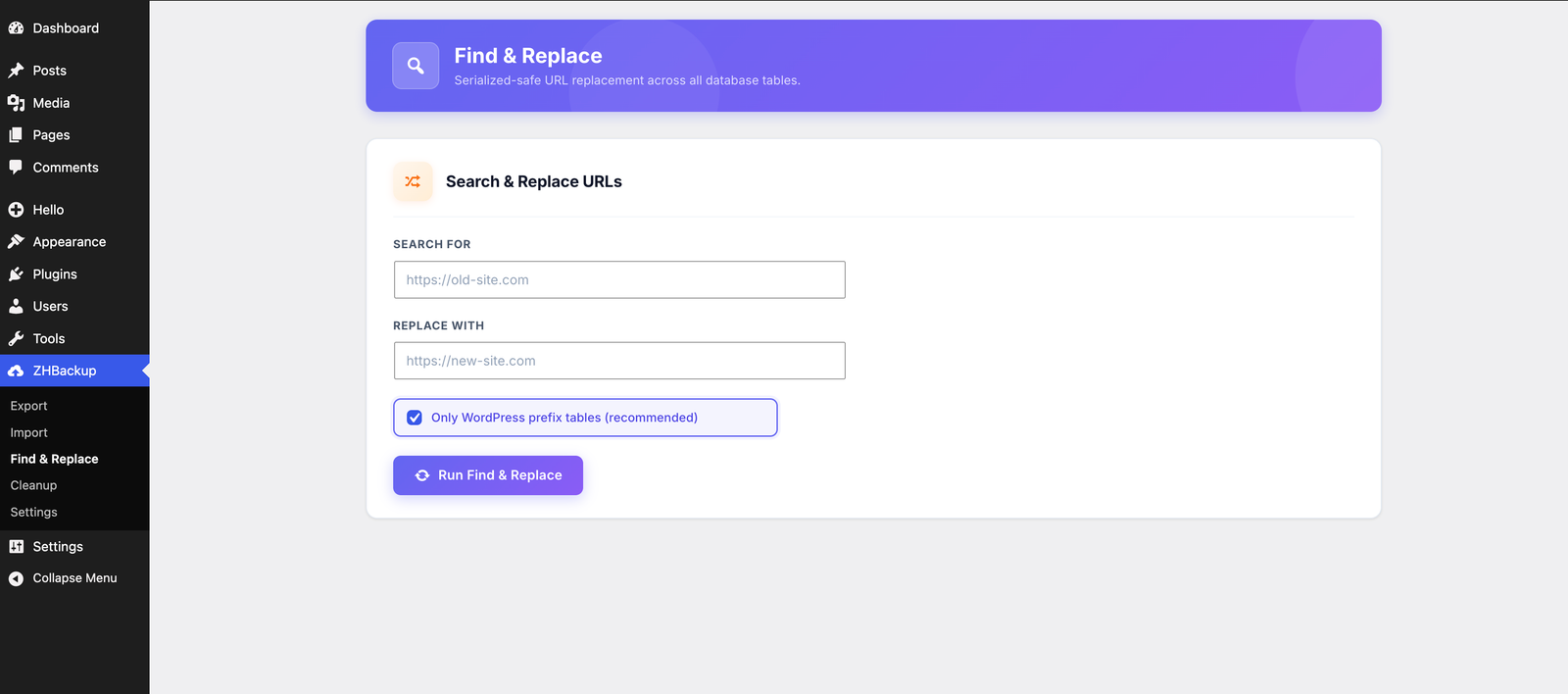
Enter the old and new URLs, preview the change with a dry run that counts matches without writing, then run serialized-safe Find & Replace as a chunked, resumable job across WordPress tables. The recommended prefix-table option avoids touching unrelated tables.
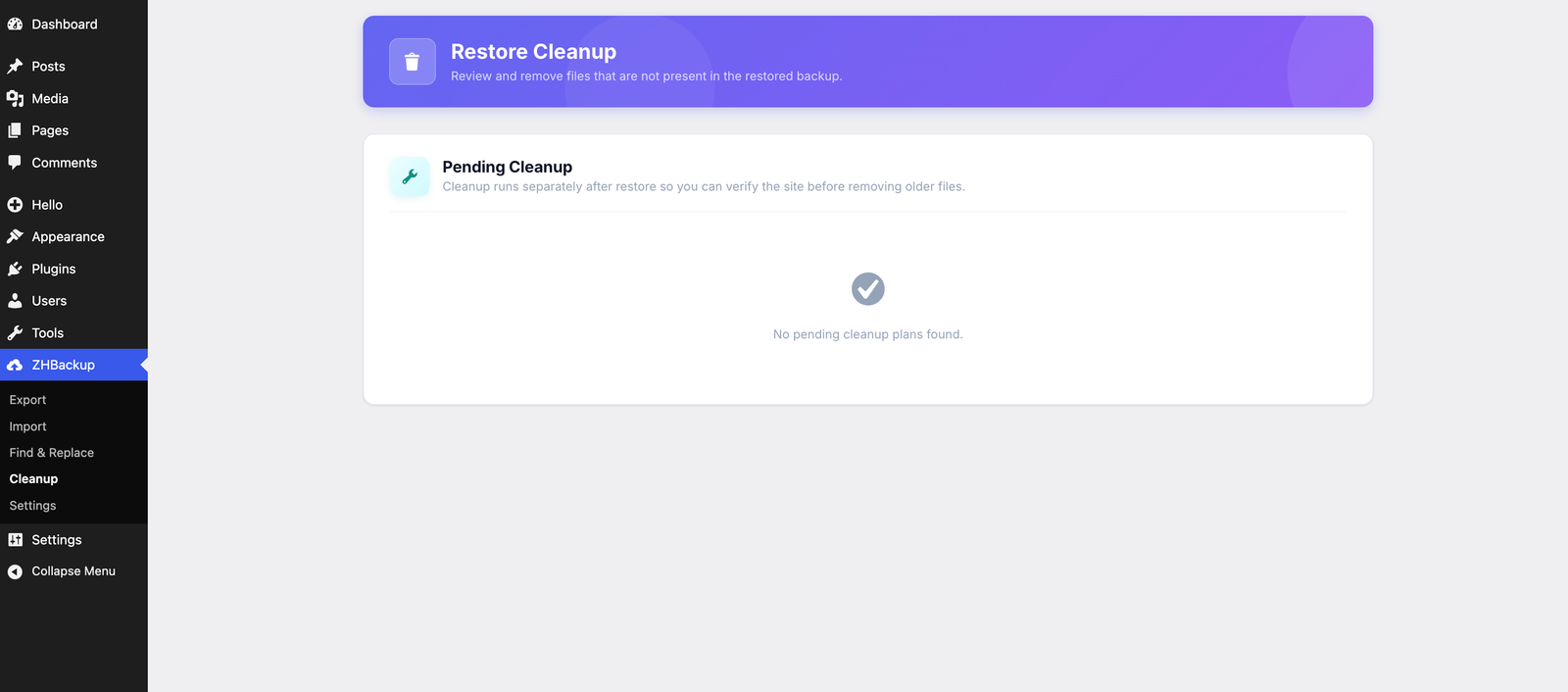
Restore cleanup is separated from the restore itself. ZHBackup shows pending cleanup plans only when stale files need review, so administrators can verify the site before removing older files.
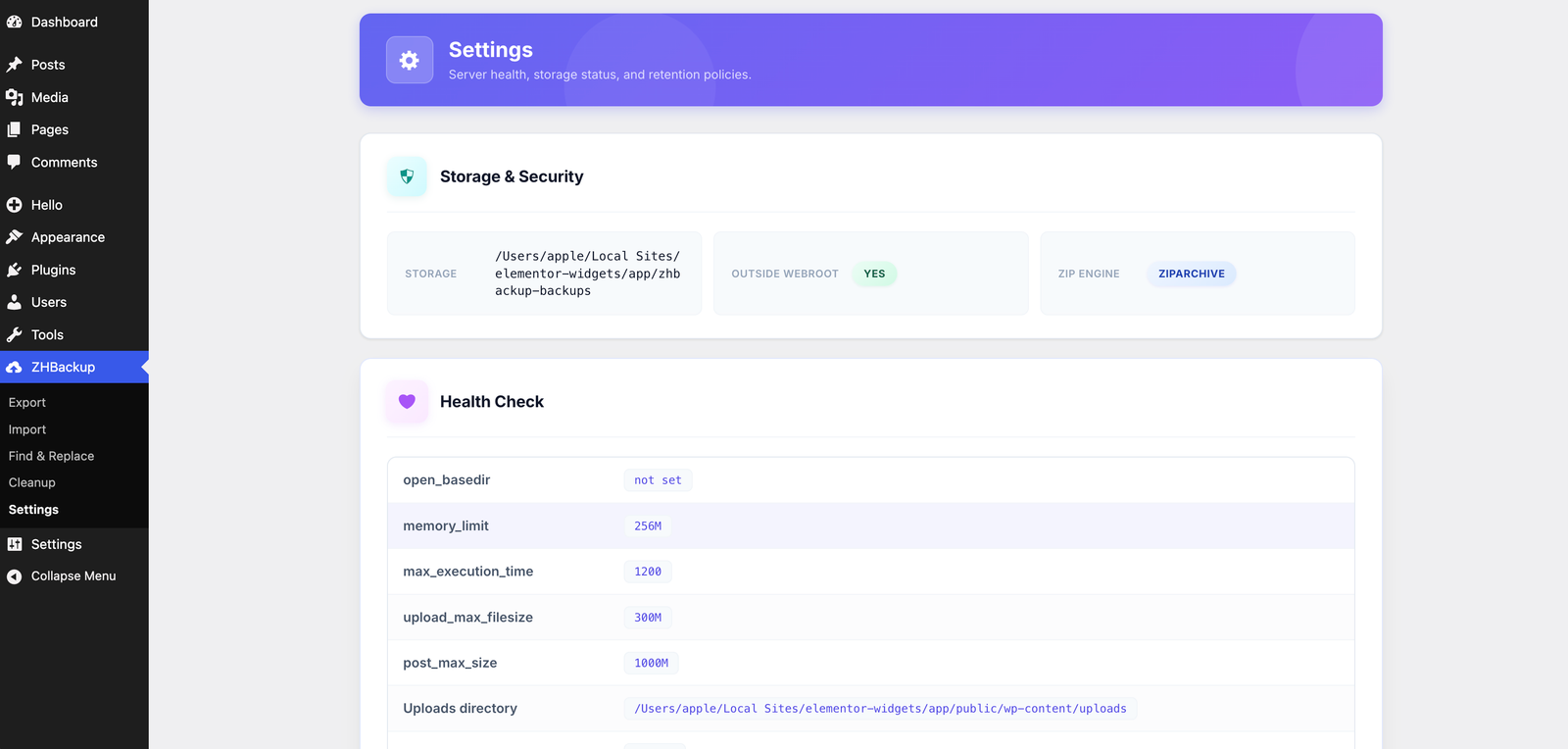
Confirm the backup storage path, outside-webroot status, ZIP engine, PHP limits, upload limits, uploads directory, and free disk space from one settings screen.
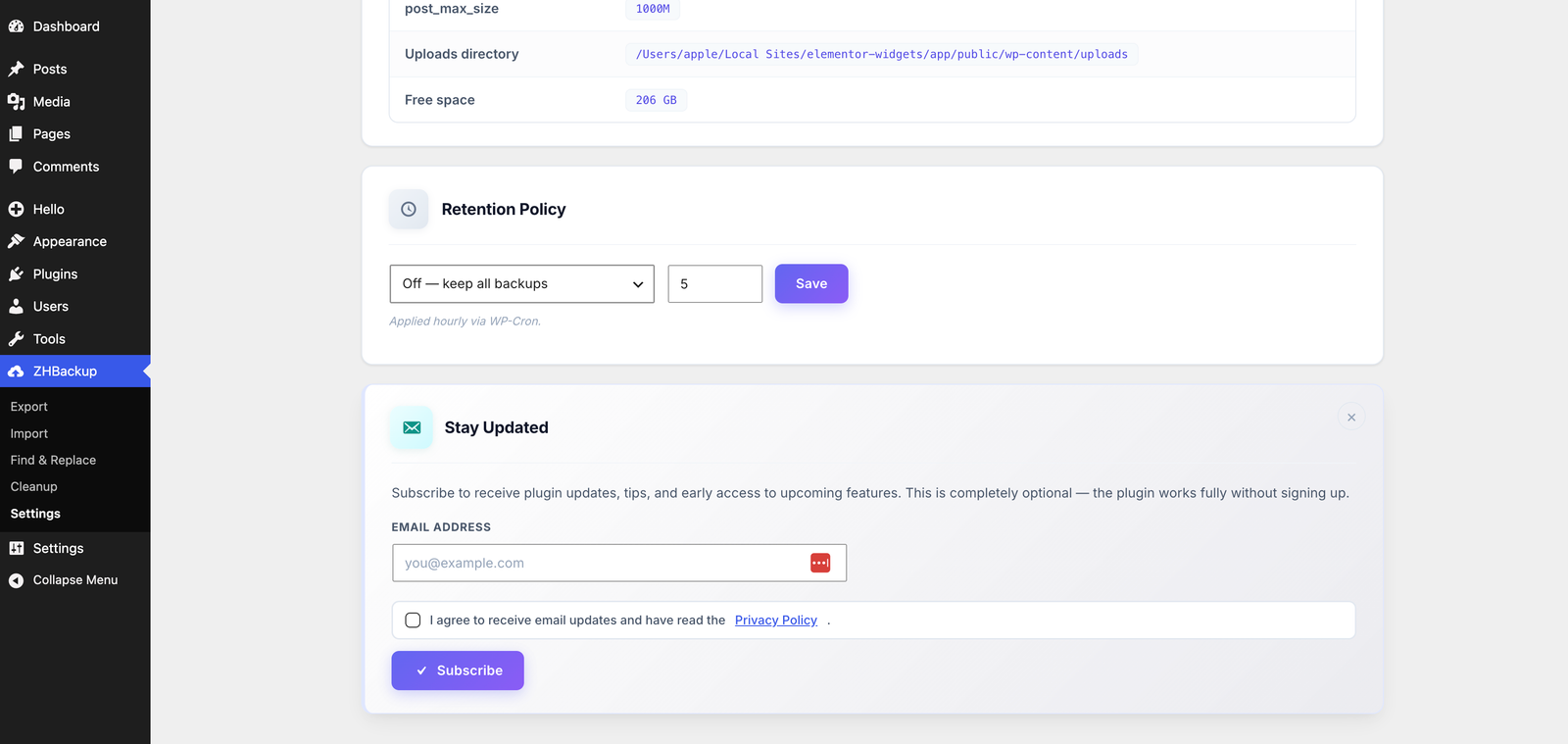
Turn on automatic daily or weekly backups and review the last run's status, then configure the WP-Cron retention policy by count or age — retention only ever deletes backups the plugin created. The newsletter signup is optional, consent-based, and can be dismissed without limiting plugin features.
Install ZHBackup the same way you install any WordPress plugin.
Go to Plugins → Add New in your WordPress admin and search for ZHBackup. Click Install Now.
Click Activate on the plugins page. ZHBackup appears in your admin sidebar immediately.
Navigate to ZHBackup → Export, select what to include, choose .zip or .zhbackup, and hit Create Backup.
Version 2.4.3 is a security release. Backups stored inside the webroot now use an unguessable folder name and an unguessable filename, so they cannot be fetched by guessing a public path. Apache and IIS deny rules are still written. Existing backups are not moved or deleted. 2.4.2 site-unique folders, WordPress 7.1 testing, and safer URL migrations remain.
.htaccess and IIS web.config denies are still written for those folders.zhbackup-backups folder stay listed, downloadable, and restorable. New backups are written only to the current storage path.ZHBackup is built without obfuscated PHP, hidden tracking, forced accounts, license activation, or external calls during backup and restore workflows.
Inputs are sanitized, outputs are escaped, nonces protect form submissions, and capability checks guard every action. Backup storage is protected with server rules and guard files when stored inside the site.
No backup, restore, migration, import, export, cleanup, or find-and-replace operation requires a license key or account.
The only external request is the optional newsletter signup on the Settings page. It sends the submitted email address, site URL, plugin slug, and plugin version only after an administrator submits the form.
Quick answers to common questions about ZHBackup.
.zip is a standard archive format. .zhbackup is ZHBackup's optimized archive format for this plugin. Both support the structured database package..zip or .zhbackup file to the backup storage directory shown on the Import screen. It will appear in Existing Backups and in the server backup table, where you can restore it directly. Uploaded archives stay in the incoming folder, so retention never deletes a file you uploaded to restore.wp-content (not a guessable zhbackup-backups path). Apache and IIS deny rules are written when storage is inside the site. Existing backups from older folders remain listed, downloadable, and restorable — they are not moved or deleted.wp-admin, wp-includes, and wp-content are handled separately or excluded automatically..zhbackup export format is included for free and does not require any license key or activation page.