
Within the domain of web development, JavaScript assumes a pivotal role in crafting web applications that are both interactive and dynamically engaging.
One of the essential features that JavaScript provides is the concept of timeouts. Timeouts empower developers to execute precise code blocks following a designated delay, thereby elevating user experience through the infusion of responsiveness and interactivity.
In the following discourse, we shall explore the fundamental concept of JavaScript timeouts, delve into their pragmatic use cases, and examine the adept techniques for their professional implementation.
What are JavaScript Timeouts?
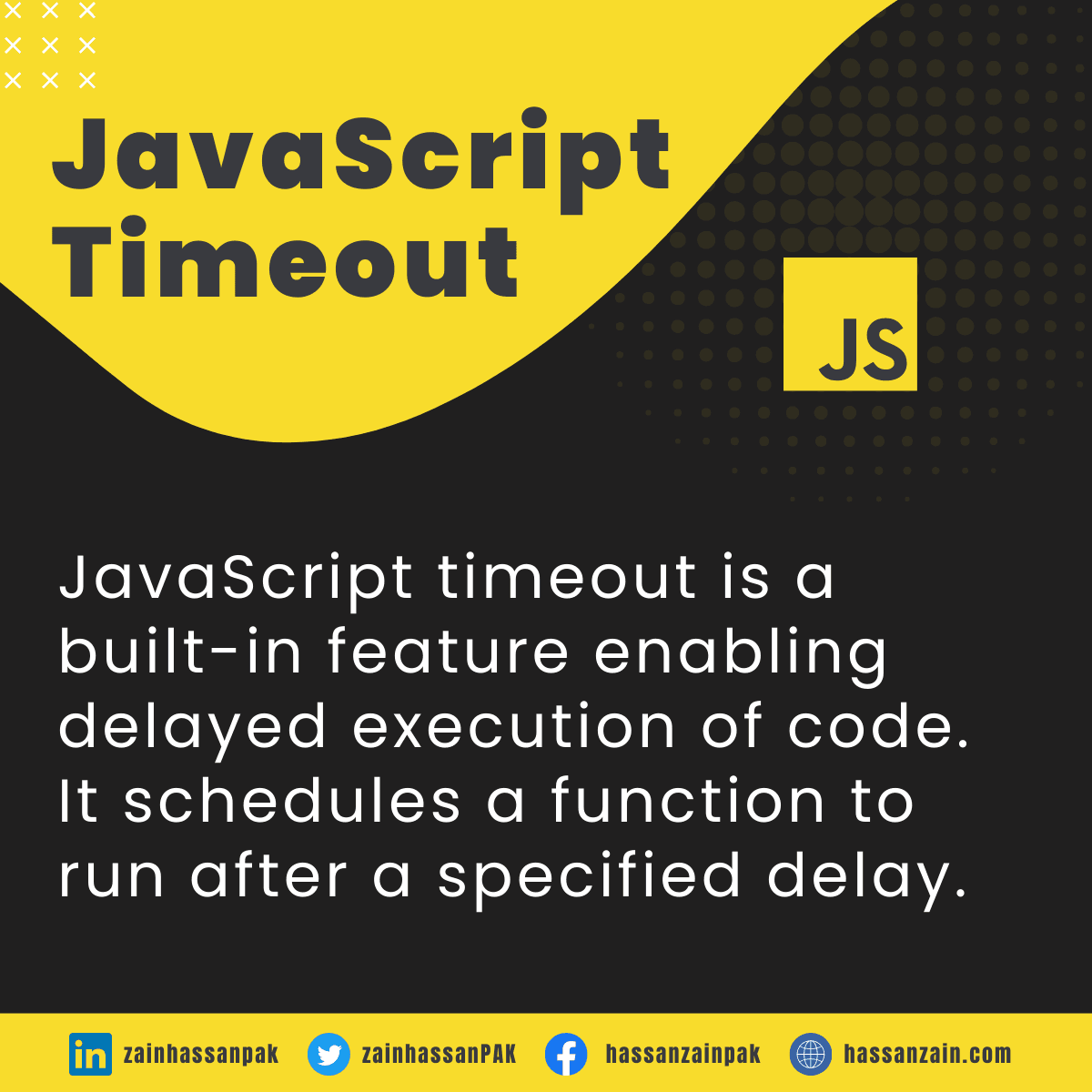
JavaScript timeouts provide a mechanism enabling developers to arrange the running of a function or a code block following a designated time interval.
This is particularly useful for scenarios where developers want to introduce delays in the execution of code, such as displaying a notification after a user action or animating elements on a webpage.
setTimeout(function() {
    // Code to execute after the delay
}, delayInMilliseconds);
Using setTimeout() Function:
The setTimeout() function is a built-in JavaScript function that forms the backbone of timeouts. The function parameter denotes the code intended for execution, while the delay parameter signifies the time in milliseconds before the execution of the said function takes place.
As an example, suppose you aim to showcase an alert message following a 2-second delay; you can achieve this using the subsequent code:
setTimeout(function() {
    alert("Hello, world!");
}, 2000);
Avoiding Callback Hell:
It’s worth highlighting that timeouts can occasionally result in a situation referred to as “callback hell.” This situation arises when multiple setTimeout() calls are nested, leading to code that becomes challenging to comprehend, decipher, and upkeep.
To mitigate this issue, consider using Promises, async/await, or other asynchronous programming techniques to maintain code clarity and structure.
function stepOne() {
    console.log("Step 1");
    setTimeout(stepTwo, 1000);
}

function stepTwo() {
    console.log("Step 2");
    setTimeout(stepThree, 1000);
}

function stepThree() {
    console.log("Step 3");
}

setTimeout(stepOne, 1000);
Clearing Timeouts with clearTimeout():
When there arises a necessity to annul a pre-scheduled timeout before its execution, the clearTimeout() function becomes relevant.
This function takes the JavaScript timeout ID returned by setTimeout() as an argument and prevents the specified code from running. This can be particularly useful in scenarios where user actions need to alter or prevent the execution of scheduled tasks.
const timeoutId = setTimeout(function() {
    // Some code to execute
}, 5000);

// Later in the code, if the timeout needs to be canceled
clearTimeout(timeoutId);
Importance in Professional Web Development:
Responsive User Experience:
In professional web development, user experience is paramount. JavaScript timeouts help prevent the browser from becoming unresponsive while executing time-consuming tasks. This results in a smoother interaction between users and the application.
Animation and Transition Effects:
Timeout functions are crucial when implementing animations and transition effects. By scheduling updates at precise intervals, developers can achieve visually appealing animations that engage users.
Data Fetching and Updates:
When retrieving data from external sources or dynamically refreshing content, timeouts provide a means to ensure updates transpire at appropriate intervals. This prevents overwhelming server resources and optimizes data transfer.
Error Handling:
JavaScript timeouts also play a role in error handling. If a resource fails to load or an operation encounters an issue, timeouts can be employed to provide fallback mechanisms or alert users about the problem.
Scope and Closures:
Be mindful of variable scope and closures when working with setTimeout. Variables used inside the timeout function retain their values from the moment the timeout was set. This can lead to unexpected behavior if not managed carefully.
Minimizing Delays:
While it’s tempting to use setTimeout for animations and transitions, it’s recommended to use CSS animations or the requestAnimationFrame API for smoother performance. setTimeout might not provide consistent timing, especially on devices with varying processing power.
User Feedback:
When users interact with an application, providing instant feedback is crucial for user satisfaction.
JavaScript timeouts can be employed to display success messages, alerts, or notifications after a user action, ensuring that they are informed about the outcome of their interaction without overwhelming them with constant information.
Throttling and Debouncing:
In situations where occurrences such as scrolling or resizing lead to the initiation of multiple actions within a brief timeframe, the implementation of setTimeout proves valuable for effectively managing and regulating these events.
Throttling limits how often a function is executed, while debouncing ensures that a function is activated only after a designated period of rest or inactivity. This approach can enhance performance by preventing excessive executions of resource-intensive operations.
Conclusion:
The JavaScript setTimeout function serves as a versatile instrument, enabling web developers to craft applications that are not only more responsive but also prioritize user-friendliness.
By strategically incorporating timeouts into the development process, professionals can control timing, enhance animations, provide user feedback, and optimize performance.
In the dynamic and constantly evolving realm of the internet, mastering and skillfully harnessing the potentials presented by JavaScript timeouts remains a vital skill for proficient web developers.
Therefore, leverage the capabilities of JavaScript timeouts to construct seamless, efficient, and visually captivating web experiences that create a memorable impact on users.