
Ever heard of building blocks? In the world of computer coding, JavaScript prototypes are like those blocks. They help us create things in a way that’s organized and saves time.
Whether you’re new to coding or have some experience, this guide will walk you through JavaScript prototypes, using easy words and examples. It’s like learning to stack blocks, but on a computer. Let’s dive in!
What Is a JavaScript Prototype?
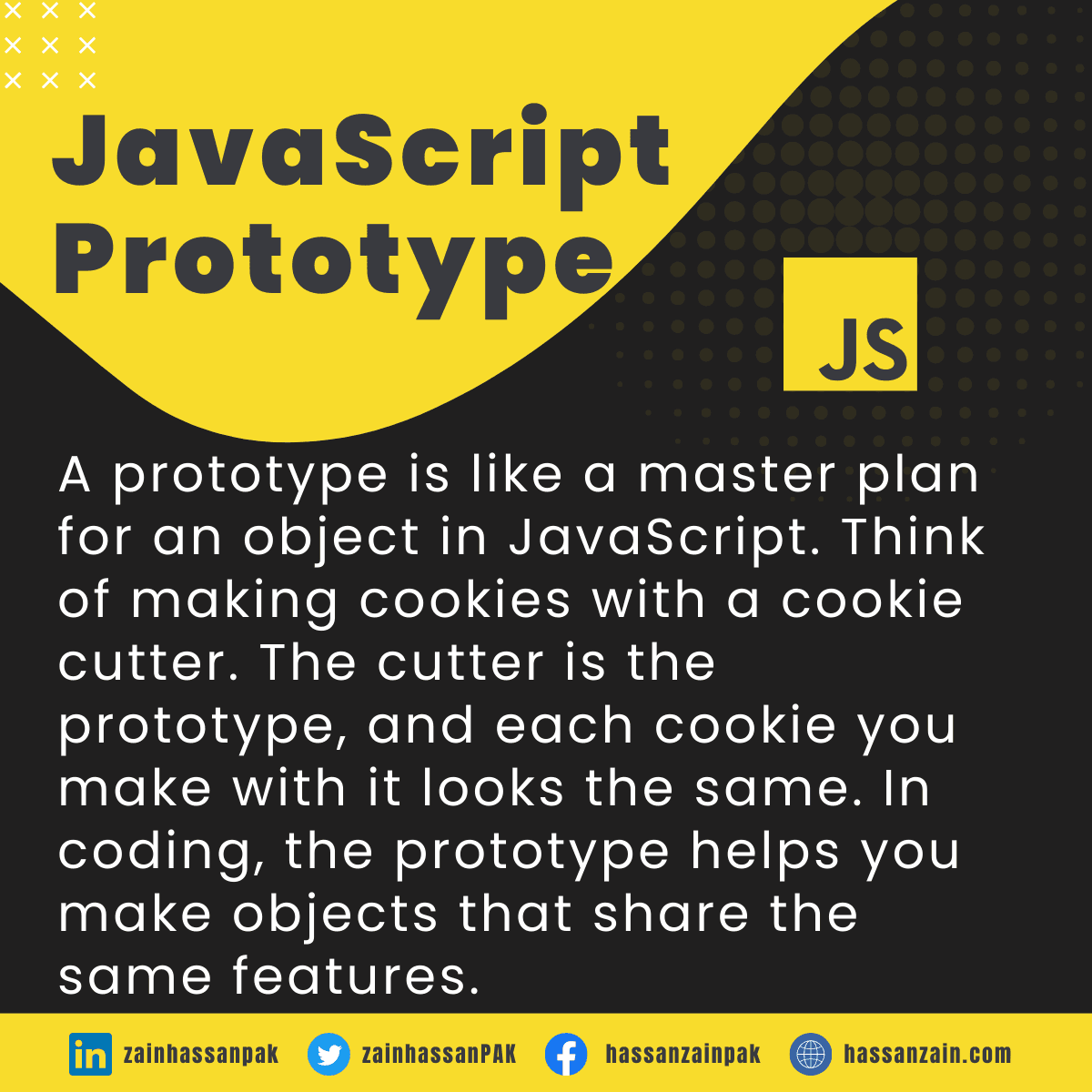
A prototype is like a master plan for an object in JavaScript. Think of making cookies with a cookie cutter. The cutter is the prototype, and each cookie you make with it looks the same. In coding, the prototype helps you make objects that share the same features.
Why Use Prototypes?
JavaScript prototypes work like a cooking guide. If you wish to cook several meals that all have the same flavor, you follow the same guide every time.
In the world of programming, JavaScript prototypes are that guide, helping you make multiple items that all share the same features. This makes your coding quicker and neater.
How to Use Prototypes:
Create a Function (Blueprint):
This is like drawing the plans for a building. You choose the design, and all the buildings created from that design will look identical.
function Robot(name) {
  this.name = name;
}
Add Methods to the Prototype:
This is like adding special features to your building, like a swimming pool or a gym. Any building made from the plans will have these features.
Robot.prototype.introduce = function() {
  return "Hi, I'm " + this.name + " the robot!";
};
Create Objects Using the Blueprint:
This is like actually building the structures from the plans. Each building will look the same, but you can give them different names or addresses.
var robot1 = new Robot("Bender");
var robot2 = new Robot("WALL-E");
Accessing the Prototype Chain:
Imagine you have a box with toys, but you can’t find your favorite toy car. You’ll look in your sibling’s box, and if it’s not there, you’ll look in your friend’s box. In JavaScript, if the program doesn’t find a property in the object, it checks the prototype to see if it’s there.
function Toy() {}
Toy.prototype.car = "Red car";
var myBox = new Toy();
console.log(myBox.car); // Output: "Red car"
Overriding Prototype Properties:
Imagine you’re painting a room using a standard color from a template. But for one wall, you want a unique shade. In JavaScript, you can give one object a special property that’s different from the prototype, like painting that one wall a different color.
function Bike() {}
Bike.prototype.color = "Blue";
var myBike = new Bike();
myBike.color = "Red";
console.log(myBike.color); // Output: "Red"
The ‘constructor’ Property:
Think of it like having the phone number of the person who drew the plans for a house. If you want to know who made the plans or if you want to build more houses like that one, you use that contact information.
It’s the same in coding with the constructor; it tells you how to make more objects in the same way.
var myToy = new Toy();
console.log(myToy.constructor); // Output: function Toy() {}
Built-In Prototypes:
It’s similar to having a set of pieces and instructions to assemble a toy plane. Everything you need is right there, and all you have to do is assemble it. With built-in JavaScript prototypes, you have ready-made code parts you can use to create commonly needed things.
var myString = "Hello, world!";
var length = myString.length; // Using a built-in property
Prototypes and Performance:
JavaScript prototypes can save memory. Imagine having one big ice cream tub and many small bowls. Instead of having separate tubs, everyone scoops from the big tub. In JavaScript, objects share properties through the prototype, saving memory.
function IceCream() {}
IceCream.prototype.flavor = "Vanilla"; // All objects share this flavor
Conclusion:
Prototypes in JavaScript are a rich and versatile tool. They help you organize code, save time, make your programs more efficient, and even let you create unique features when needed.
By understanding and using these aspects of JavaScript prototypes, you’re taking a significant step in becoming a more proficient JavaScript developer.