
JavaScript offers various tools for constructing websites, and ‘callbacks’ stand as one of the essential instruments in this collection. Imagine telling a friend to call you back after they’ve finished a task.
JavaScript callbacks work the same way but with computer code. In this blog, we’ll explore what callbacks are, how to use them, and why they matter, all using easy-to-understand examples.
If you’re just starting with programming or looking to understand callbacks better, this blog post has something for everyone!
What is JavaScript Callbacks:
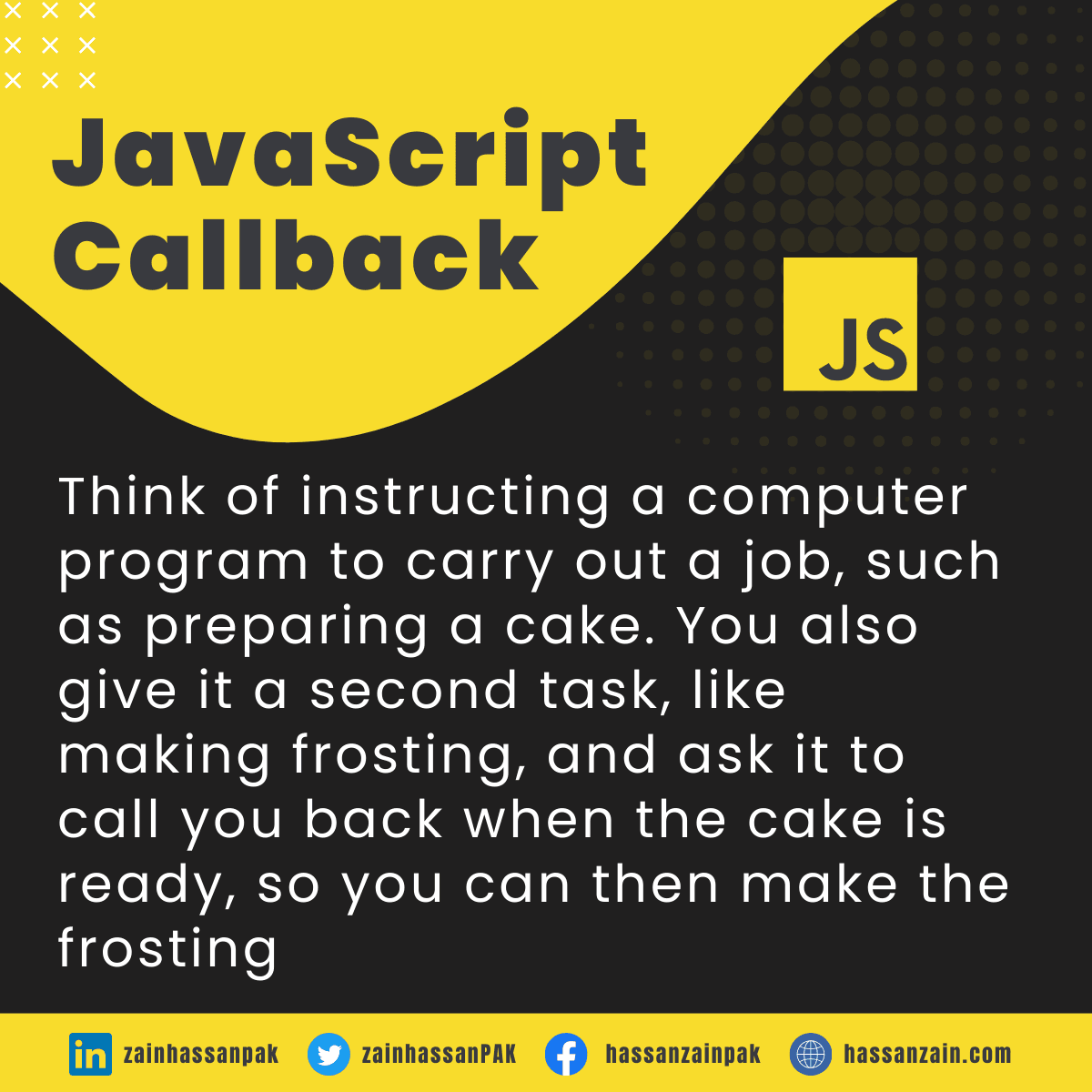
Think of instructing a computer program to carry out a job, such as preparing a cake. You also give it a second task, like making frosting, and ask it to call you back when the cake is ready, so you can then make the frosting.
Imagine a JavaScript callback function as a simple list of tasks you pass to another function. You’re basically saying, ‘Hey, when you’re doing your thing, make sure to do these tasks from my list at the right time.’!
The main function runs first, and when it’s finished, it “calls back” the function you gave it, running the code inside.
Why Are Callbacks Used?
JavaScript callbacks help manage tasks that take time. They ensure the correct order of operations and keep code organized. Without them, managing tasks that rely on previous tasks would be messy and error-prone.
function cook(callback) {
  // Cooking code here
  callback();
}

function serveDish() {
  console.log('Dish is served!');
}

cook(serveDish); // Output: 'Dish is served!'
Creating Callbacks:
To make a callback, you first create a function, and then you give it as a special instruction to another function. It’s like giving a recipe to a chef; they’ll cook it when they’re ready.
Handling Errors in Callbacks:
You can deal with errors using special error handling mechanisms. It allows the code to know what to do if something goes wrong, making your code more robust and user-friendly.
Callback Hell:
When JavaScript callbacks are layered inside one another, the code can get harder to understand. This is often called “callback hell.” Various methods like Promises can help you avoid this problem.
Callbacks in Event Handling:
When you click a button on a webpage, it can run a function. That function is a callback. It waits for the click, and then it runs. It’s like waiting for someone to ring your doorbell.
button.addEventListener('click', function() {
  alert('Button was clicked!');
});
Asynchronous Programming and Callbacks:
Sometimes, code tasks take time, like downloading an image. JavaScript callbacks let other code run while waiting. It’s like cooking pasta while your sauce simmers; you don’t waste time waiting.
setTimeout(function() {
  console.log('Time is up!');
}, 1000);
Nested Callbacks:
You can put callbacks inside callbacks. It helps when one task needs another to finish first. But be careful; too many nested callbacks can make the code hard to read, like a tangled ball of yarn.
function firstTask(callback) {
  // Do something
  callback();
}

function secondTask() {
  console.log('Second task done!');
}

firstTask(function() {
  console.log('First task done!');
  secondTask();
});
A Solution to Callback Hell:
When there are too many nested callbacks, code can become confusing. Promises are a way to make things neater. Think of a promise like a handshake agreement; it’s a cleaner way to say, “Do this, then that.”
new Promise(function(resolve) {
  resolve('Task done!');
}).then(function(message) {
  console.log(message);
});
Performance Considerations with Callbacks:
Using callbacks the right way keeps your website or app running smoothly. But if you use them wrong, it can slow things down. It’s like putting too many cars on a road; everything gets jammed.
Using Callbacks with APIs:
APIs allow distinct computer programs to interact and exchange information with each other. JavaScript callbacks are often used to handle the responses from an API. Think of it like waiting for a letter in the mail, then doing something with it.
fetch('https://api.example.com/data')
  .then(function(response) {
    return response.json();
  })
  .then(function(data) {
    console.log(data);
  });
The Future of Callbacks:
JavaScript is growing, and new tools like async/await are changing how we use callbacks. They make the code even easier to read and write. It’s like upgrading from a bicycle to a car; you can go further with less effort.
async function fetchData() {
  let response = await fetch('https://api.example.com/data');
  let data = await response.json();
  console.log(data);
}
Conclusion:
JavaScript callbacks help make your code do things in order and handle waiting tasks. Just like following a recipe step by step, callbacks keep your code organized.
As you learn and practice, you’ll find callbacks are like tools in your coding toolbox. They might appear challenging initially, but over time, you’ll become proficient in coding.
Continue to explore, create, and enjoy the journey of harnessing your new coding skills!